What is Steam Locomotive (sl)?
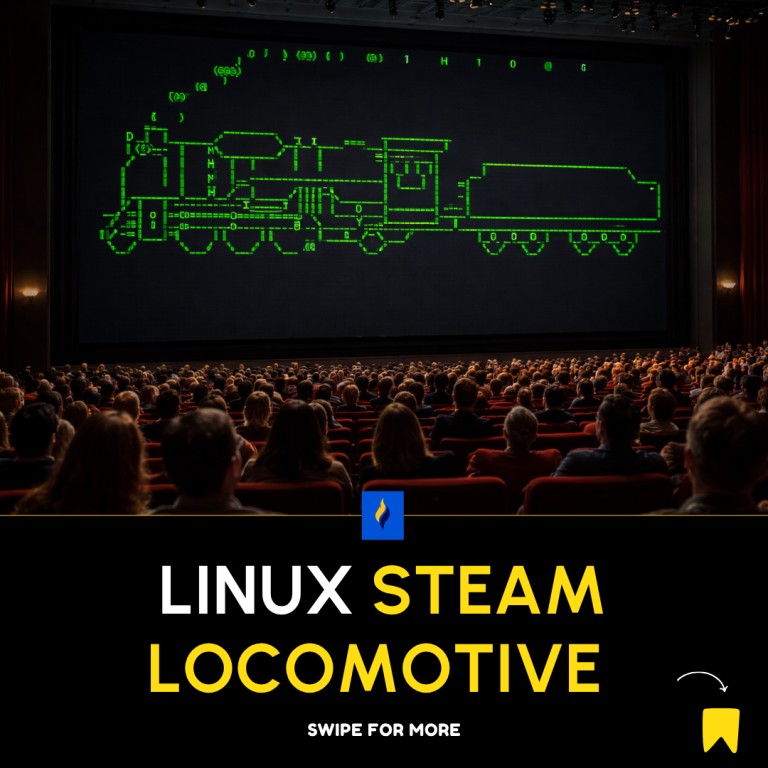
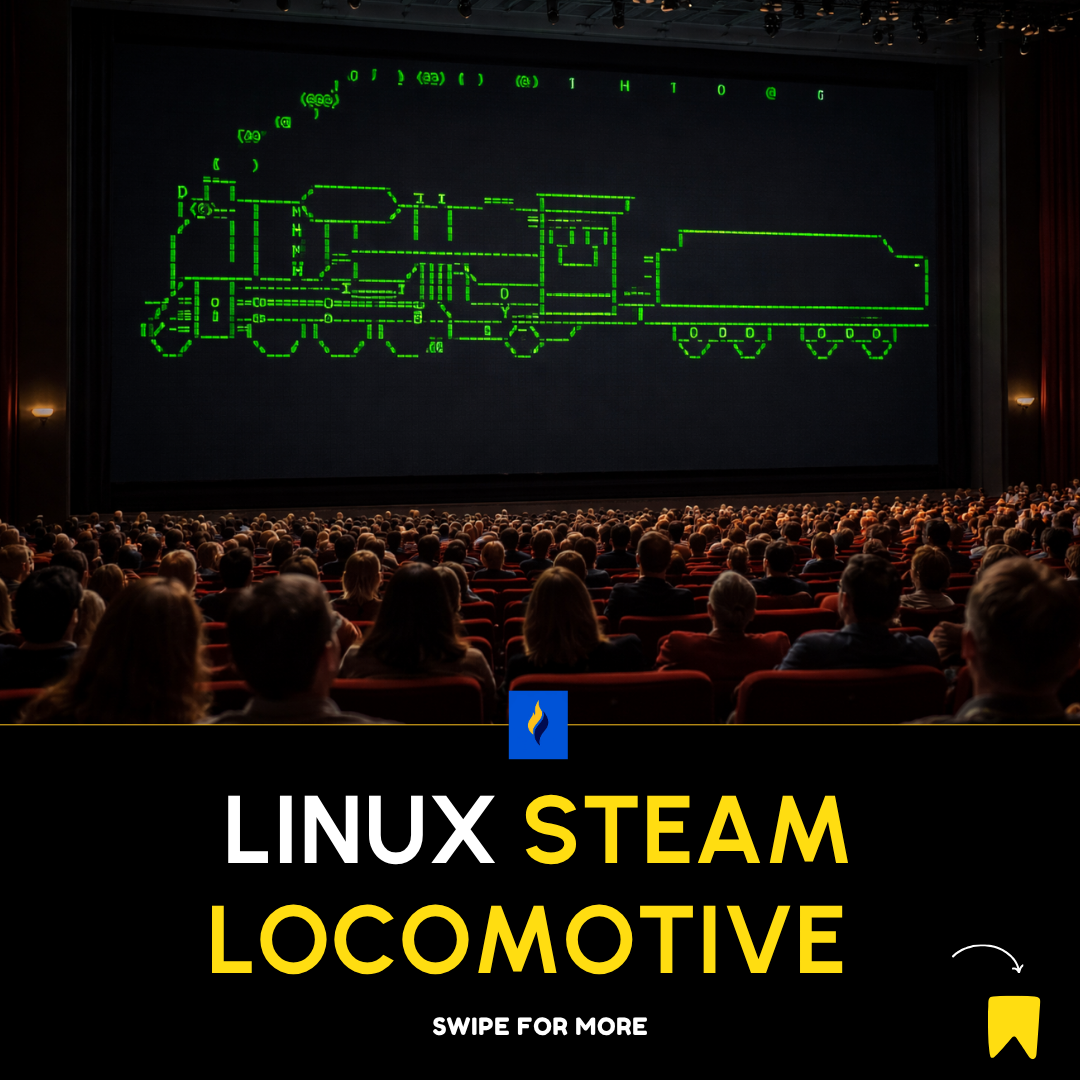
Steam Locomotive (sl) is a small terminal program on Unix/Linux systems that displays an animated steam train when executed.
It was created as a joke utility to correct users who mistakenly type:
slinstead of:
lsInstead of listing directory contents, it punishes the typo by running a train across your screen 😄
Purpose and Philosophy
The program serves several purposes:
- Typo awareness – reminds users to type commands carefully
- Learning tool – great for beginners learning Bash
- Fun utility – adds personality to the terminal
- Cultural artifact – part of Unix/Linux hacker humor
Installation
On Debian/Ubuntu:
sudo apt install slOn Fedora:
sudo dnf install slOn macOS (with Homebrew):
brew install slBasic Usage
Simply type:
sl👉 A steam locomotive will animate across your terminal screen.
Command Options (Flags)
sl supports several flags that change how the train behaves:
1. -l (Little Train)
sl -l- Displays a smaller train
2. -F (Flying Train)
sl -F- Makes the train fly across the screen
3. -a (Accident Mode)
sl -a- Shows people appearing to be hit by the train
- A humorous “accident” animation
4. Combine Flags
sl -laF- Mixes multiple effects together
How It Works Internally
Even though it looks simple, sl demonstrates key concepts:
1. Terminal Control
- Uses escape sequences to:
- Move cursor
- Clear screen
- Draw frames
2. ASCII Animation
- The train is made of ASCII characters
- Frames are printed sequentially to simulate motion
3. Timing Control
- Uses delays (
usleep, loops) to control animation speed
Simplified Bash Version (Conceptual)
Here’s a basic idea of how a Bash-based animation might work:
#!/bin/bash

for i in {1..50}
do
  clear
  printf "%${i}s" "🚂"
  sleep 0.05
done
👉 This is a simplified version. The real sl is written in C for performance and smoother animation.
Real Implementation Details
The original program:
- Written in C
- Uses:
ncursesor terminal control libraries- Low-level screen manipulation
- Efficient for smooth rendering
Why Developers Love It
- Makes the terminal less intimidating
- Encourages exploration of Linux tools
- Demonstrates that not all software has to be serious
- A classic inside joke among Unix users
Common Gotcha
After installing, you might run:
sl…and get:
command not found👉 Fix:
export PATH=$PATH:/usr/games(Some systems install it in /usr/games)
Educational Value
Using sl, beginners learn:
- Package installation (
apt,dnf,brew) - PATH environment variable
- CLI command structure
- Flags and arguments
- Terminal rendering basics
Pro Tip
Pair sl with:
cowsayfortune
Example:
fortune | cowsayThis creates a fun and interactive terminal experience.
Conclusion
The Steam Locomotive Bash program (sl) is more than a joke—it’s a gateway into:
- Terminal mastery
- Linux culture
- Command-line creativity
It shows that even in serious engineering environments, fun and learning can coexist.
About the Author

Latest tech news and coding tips.